Billing and subscriptions
ChoreHero uses household-scoped billing. The plan applies to the family, not to one individual child profile.
Current plan shape
ChoreHero currently has one public paid plan:
| Plan | Offers | Trial |
|---|---|---|
| ChoreHero Family | $6.99/mo (family_monthly), $69.99/yr (family_yearly) | 14 days where available |
Trial and renewal handling depends on where the subscription is started. In the iOS app, purchases and restores use Apple’s App Store purchase flow. On the web, eligible subscriptions use ChoreHero’s web billing flow.
Legacy plus and pro records are preserved only for existing Stripe subscriptions during migration.
Where to manage billing
Start from the parent-facing app:
- Open app.chorehero.cloud/login
- Go to Parent Dashboard > Settings > Account
- Use the available purchase, restore, billing, or customer-portal actions from there
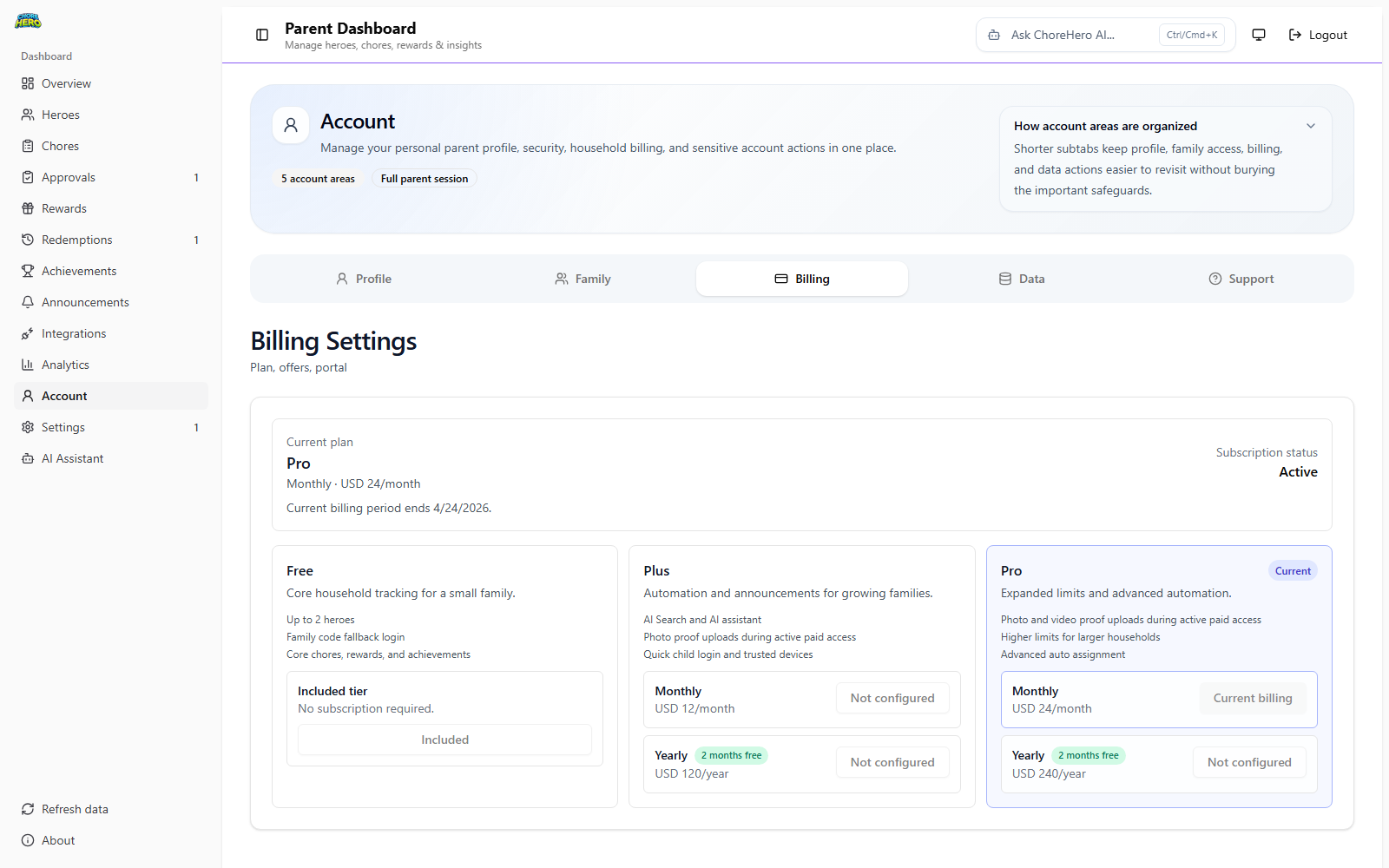
The iOS app uses App Store purchase and Restore Purchases controls. The web app uses web billing/customer-portal controls where available.
What can change when a plan changes
Some features are tied to the active household plan or subscription status. That can affect:
- AI-assisted parent workflows
- proof uploads
- child quick login and device approvals
- announcements
- push notifications
- integrations
- feature limits such as children, active chores, or rewards
If a capability disappears after cancellation, downgrade, expiration, or a billing issue, review the current plan state first.
Trial and renewal expectations
Current billing behavior:
- New ChoreHero Family subscriptions can include a 14-day trial where available.
- iOS purchases and restores are handled through the App Store.
- Web checkout/customer-portal actions are used only from the web billing surface.
- Web trials may pause at trial end if no payment method is added.
- Existing legacy paid subscriptions migrate at renewal.
If your product policy changes, update both this article and the internal feature matrix in the same pull request.
Billing issue checklist
Use this short checklist before escalating:
- confirm you are signed in to the correct household
- open Settings > Account
- confirm whether the plan is active, trialing, canceled, inactive, or past due
- note which feature changed behavior
- compare the issue against Troubleshooting